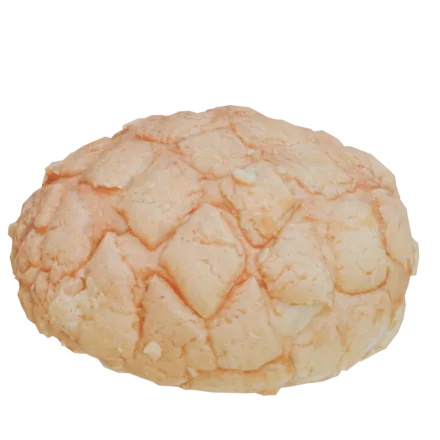
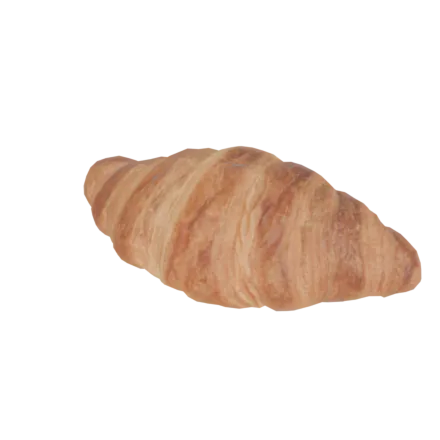
Butter Croissant
exact
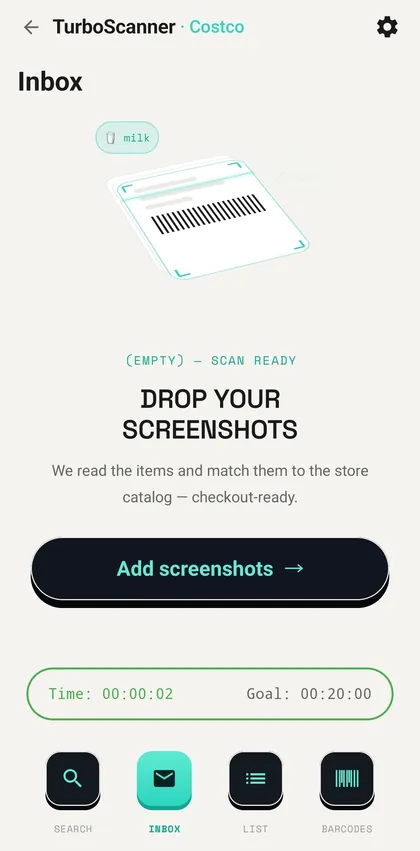
TurboScanner reads a screenshot of your list, matches every line to a real product in the store catalog, and hands you prices, departments and the barcode to scan at self-checkout.
7-day free trial for new subscribers
(02) — Extract
Messy text in a screenshot — a text from Mom, a note, a chat — TurboScanner finds the product words and pulls them into a list.
hey! grab a croissant and camembert, thanks ❤️
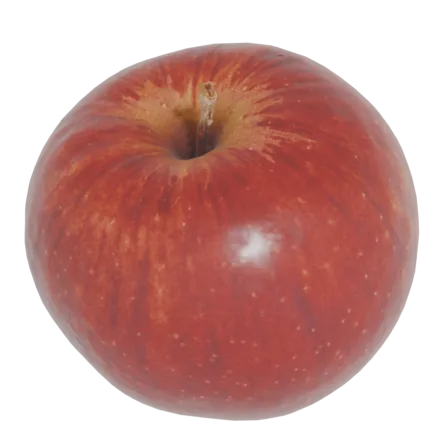
this week: apples, lemons, avocado
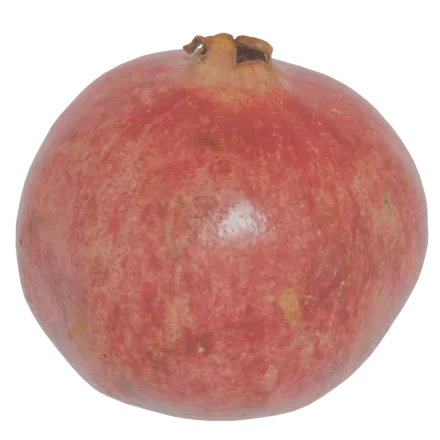
— don't forget a pomegranate 🍎
(03) — Match engine
Not a text note. TurboScanner matches every recognized item against a specific store's catalog — scoring confidence, attaching a barcode when we have one saved, and flagging what needs a quick confirm.
(04) — Barcode session
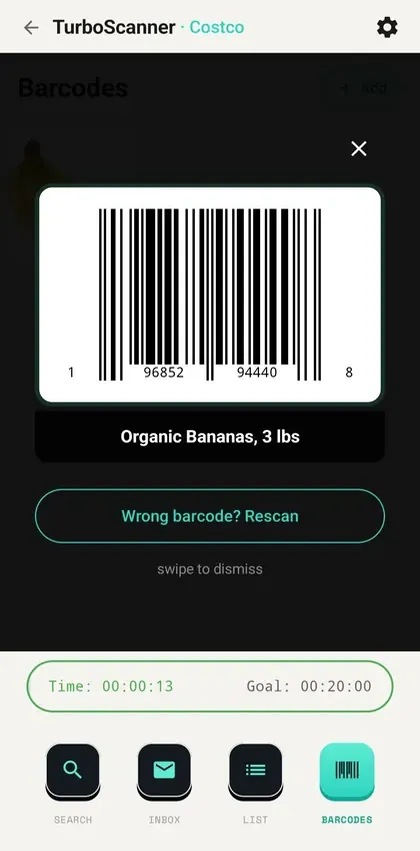
Not every product has a barcode saved yet, and the app says so on the item rather than leaving you to find out at the register. We keep adding them.
SCROLL — product cards flip into checkout-ready barcodes
(05) — Self-checkout
(06) — Real product interface
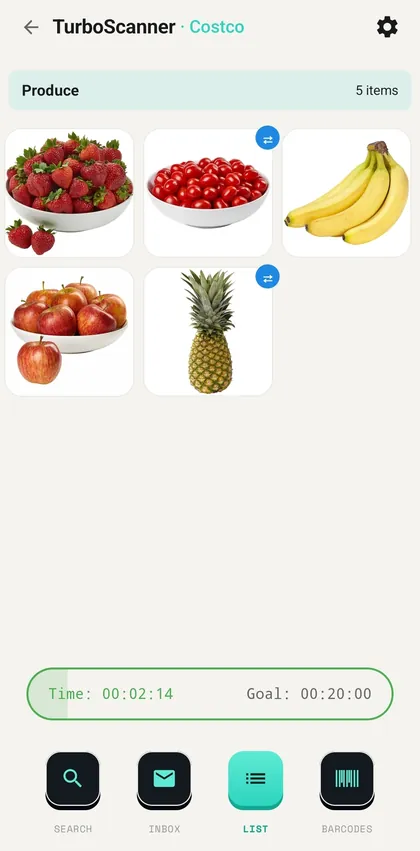
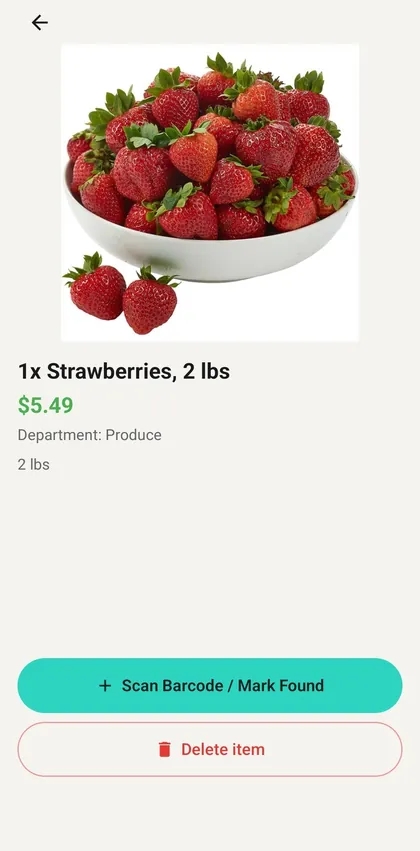
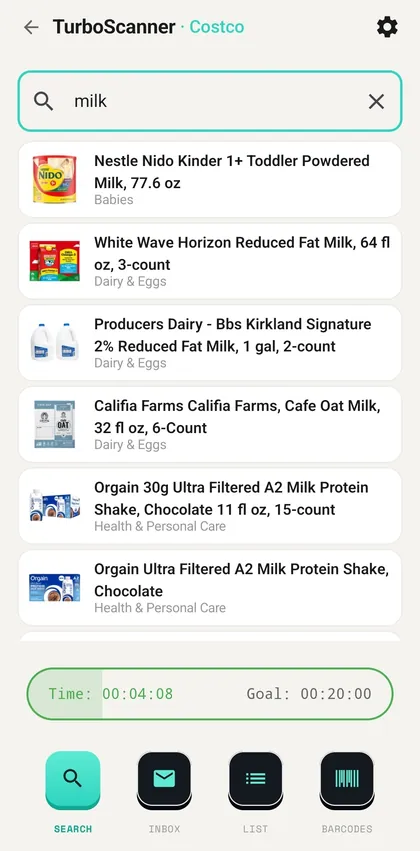
Not an abstract idea or a decorative mockup — a working product with clear logic. Scroll the screens.
Pull items from screenshots of texts, notes and chats, from photos, by typing them in, or by QR from another phone.
Every product is extracted and shown with the source it came from, ready to match.
Each item resolves to an actual store-catalog product with a confidence score, and a saved barcode where one is already known.
Low-confidence matches surface clear alternatives and a one-tap confirm — no guessing.
Everything lands in one shopping session you scan back to back at the register.
(07) — Product logic
Input → Extract → Match → Save → Scan
Scattered input falls into the hole as noise — and the singularity gives it back as one finished product. Scan to install TurboScanner. New subscribers get a 7-day free trial, then the plan they picked; cancel any time in Google Play.
(08) — The app itself
(09) — Straight answers
Billed through Google Play. Cancel any time in your Google Play subscriptions; the exact price for your country is shown in the app before you subscribe.
Get it on Google Play ↗Yes, for the main job. Reading a screenshot and matching it to a store catalog is the paid part of the app, so TurboScanner needs a subscription to do what it is for. New subscribers start with a 7-day free trial.
Costco, Ralphs and Sprouts in the United States: names, photos, sizes, prices and departments for all three. Tell us which store you want next at support@tvoidom.org.
No, and we would rather say so here than have you find out at the register. Not every product has a barcode saved yet. The app shows you which items do, and we keep adding them.
They are uploaded only to build your list, and kept for a limited time. Nothing is sold or shared for advertising. The details are in the privacy policy.
Yes, from Settings inside the app or from this page without installing anything. It removes the account, the device links, and the pictures we hold, and clears the lists on that phone.
Only if you want your subscription to follow you to another phone. Otherwise the app works on the device without an account.
Guides: Find what you came for · Spend less time at the checkout
